You have received an Arkio scene. Choose save to cloud to save the scene to your cloud group. The scene will automatically download on all devices connected to the group. Alternatively use the scene sharing code to import the scene directly in Arkio.
You have received an Arkio scene. Please follow the instructions below to import it into Arkio.
Shared scene
Scene name
The scene will download to all connected devices
Scene sharing code
(valid for 15 minutes)
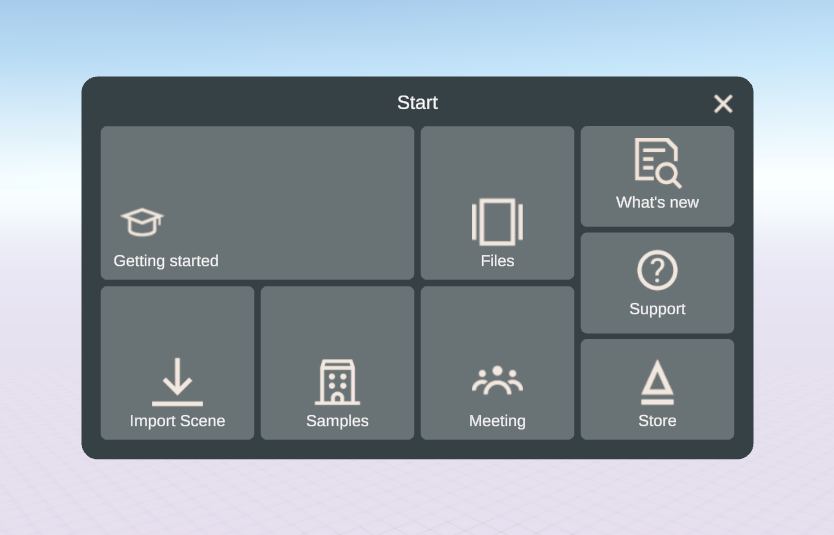
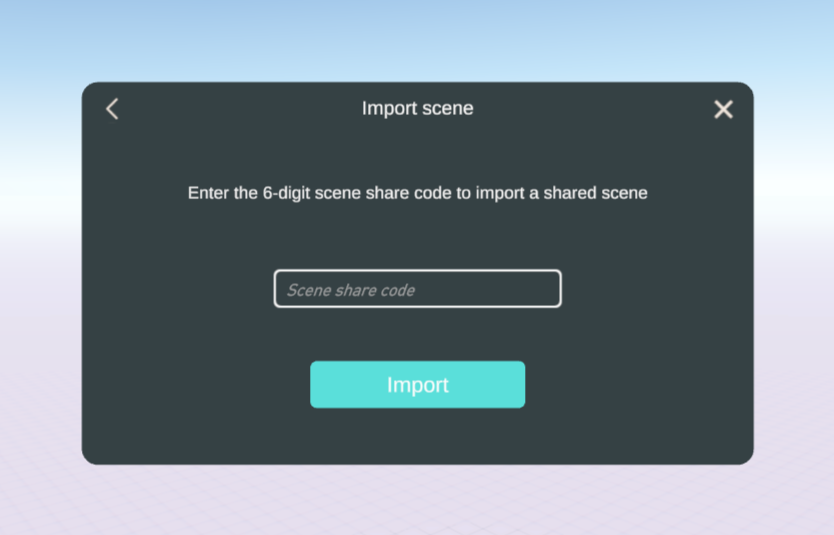
To import the scene in Arkio, select Import Scene in the Arkio Start Menu and enter the scene sharing code. The code is valid for 15 minutes. You can always generate a new code if required.
New to Arkio? Install Arkio for different devices here.